
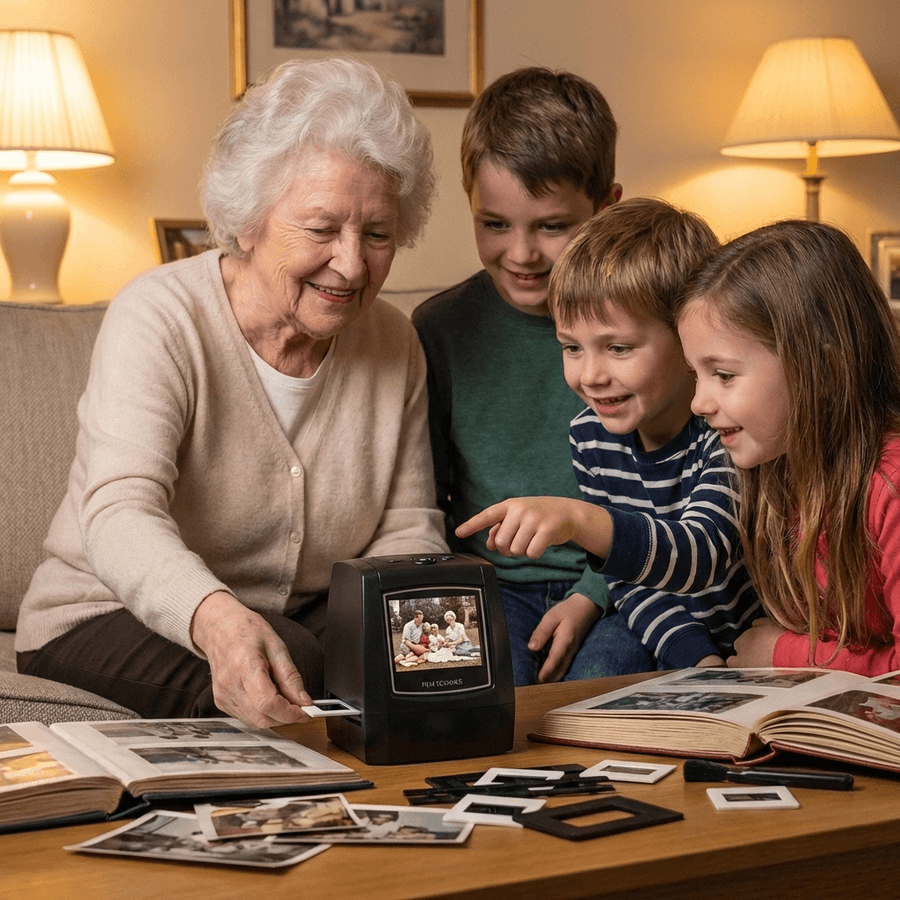
4.9/5 · Loved by 3,826+ families
The best film negative scanner for photo digitization at home
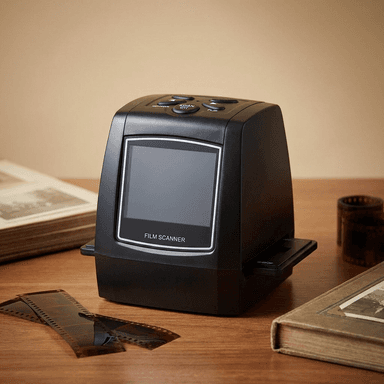
Turn your old 35mm negatives and slides into high-quality digital photos, 3 seconds each, on its own screen. No computer or technical skills required.
- No computer needed
- Instant preview screen
- Works with 35mm film and slides
- Simple one-touch scan
- 3,826 verified reviews
- 4.9 / 53,826 verified reviews
- photos digitized by families
- 500,000+photos digitized by families
- money back guarantee
- 90 daysmoney back guarantee
- per scanned photo
- 3 secondsper scanned photo
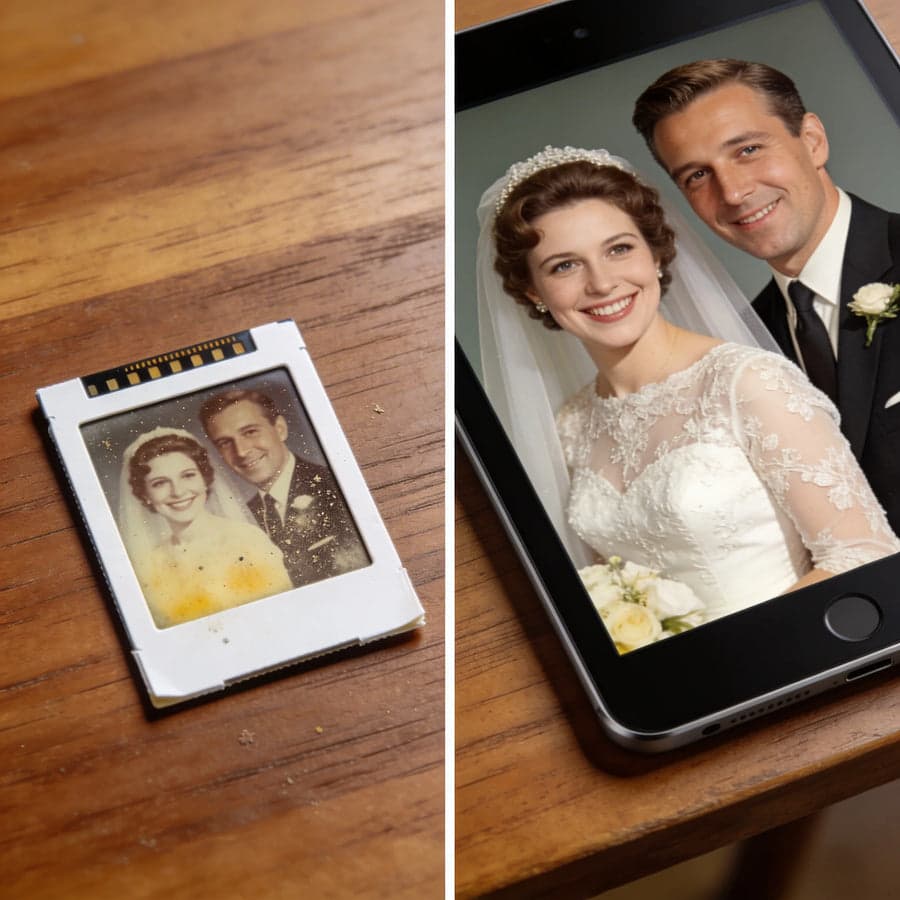
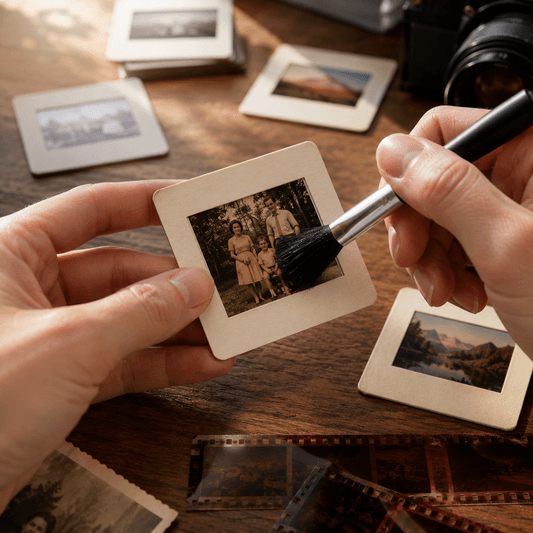
The same 1958 wedding slide, before and after one 3-second scan.
Why now
Old film does not wait
Color film fades every year it sits in a drawer. The reds go first, then the yellows, until faces you love turn into shadows. Most family collections from the 1960s to the 1990s are already well into that process.
Mail-in scanning services charge per photo and ask you to ship your only originals across the country. Flatbed scanners need a computer, a driver, and a free weekend per shoebox.
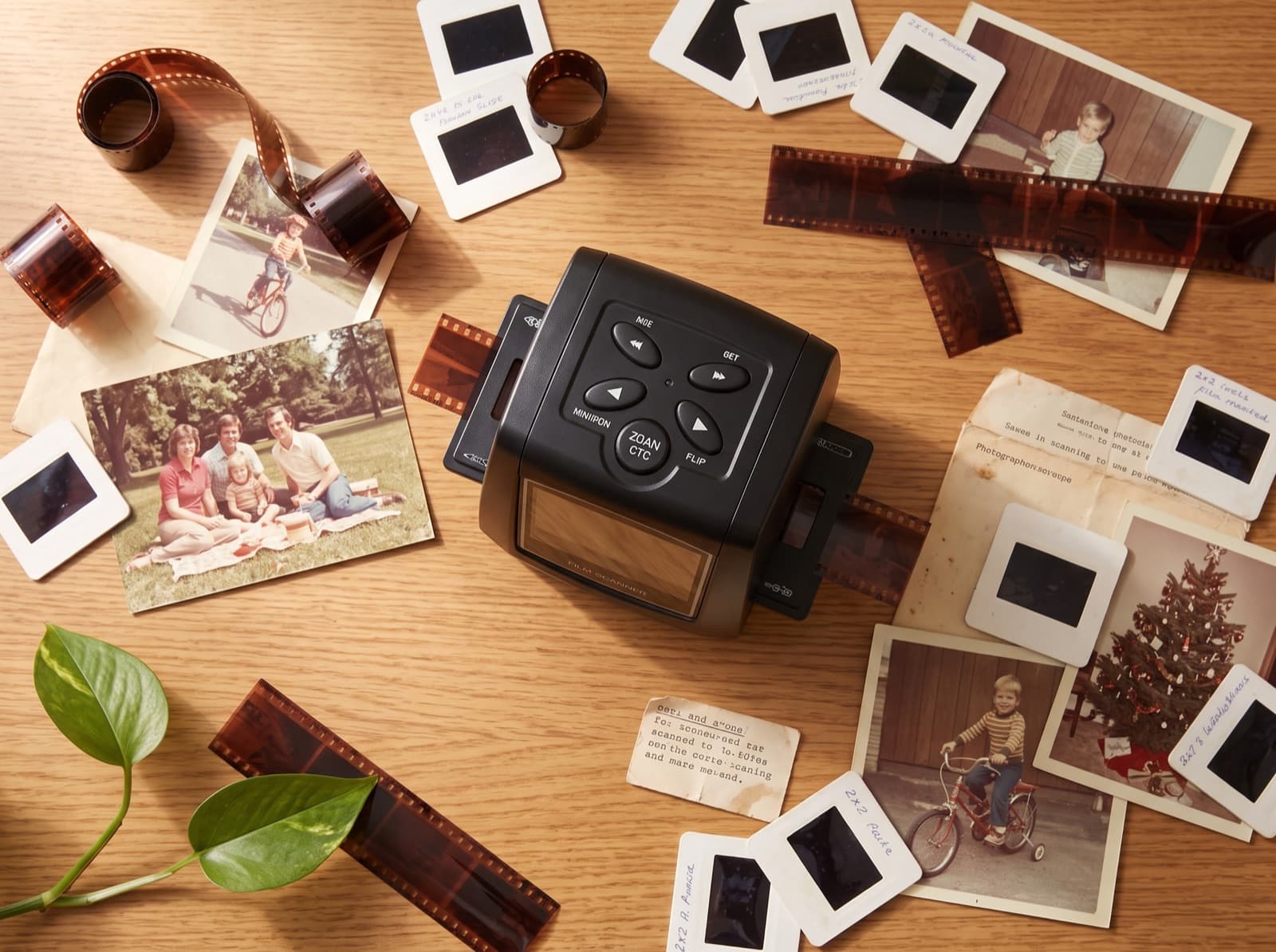
The MemoryVault Box sits on the kitchen table. Insert a negative, press one button, and the photo is saved. Your originals never leave the house.
How it works
Three steps, no manual required
If you can use a toaster, you can digitize your family archive.
Insert your film
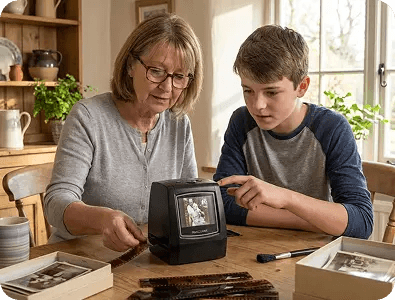
Slide a 35mm negative strip or a mounted slide into the included holder. It clicks into place from the side.
Press scan
The built-in light and 5MP sensor capture the photo. It appears on the 2.4 inch screen about 3 seconds later.
Save and share
Every scan saves to the SD card as a standard JPEG. Text it to your family, print it, or back it up.
Technology
Designed for old film
Advanced scanning technology built to convert old film slides and negatives into clear, high-quality digital photos in seconds.
Film format support
Scans 35mm negatives and mounted slides, color or black and white, with holders for both included.
Instant LCD preview
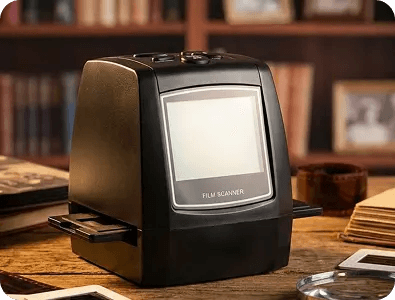
A bright 2.4 inch screen shows every photo the moment it is scanned. No computer in the loop.
One touch control
Insert, press, done. The top buttons handle preview, playback, and small adjustments.
SD card storage
Standard JPEG files on a standard card. Move them to any phone, computer, or photo service.
Film restore technology
Backlight compensation and automatic color correction bring aged, faded film back to life.
5MP image sensor
2592 x 1944 scans, sharp enough to print and to fill a TV screen.
Compact portable design
86mm wide and 580g. It fits on a shelf and travels to a relative's house easily.
Multi language support
The interface supports multiple languages, with large clear menus.
What's included
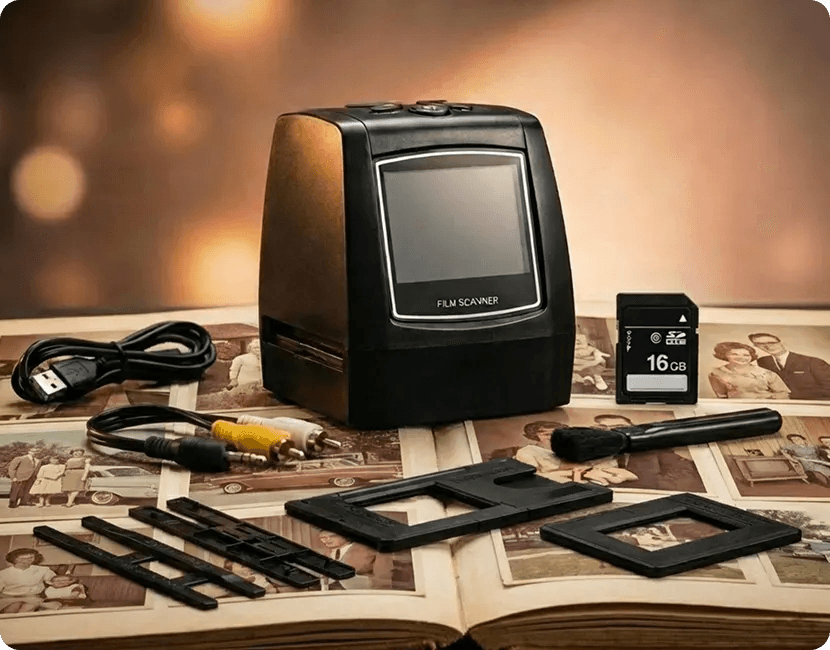
All you need in one film negative scanner
Open the box, plug it in, start scanning. Every accessory is included.
- The MemoryVault Box scanner
- Negative film holder
- Positive slide holder
- USB cable for file transfer
- TV cable for slideshows on the big screen
- Cleaning brush
- Plain-language user manual
Reviews
What customers are saying
4.9 out of 5 across 3,826 reviews. These are a few of them.
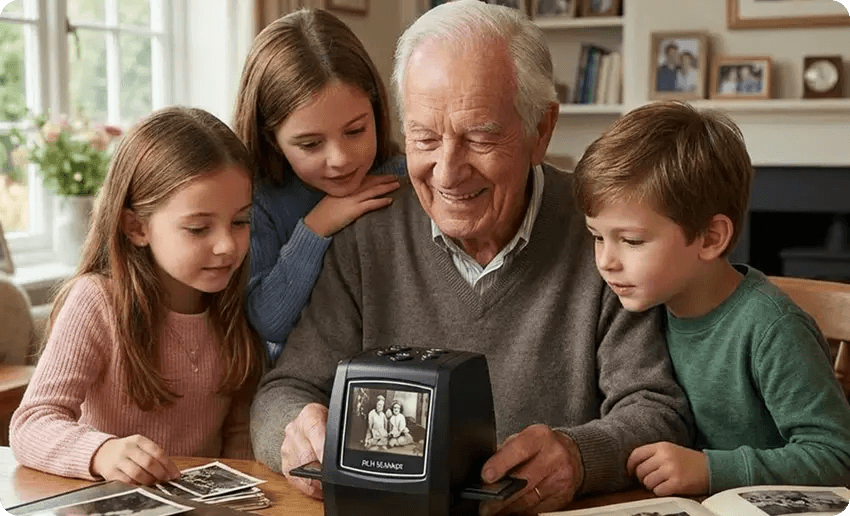
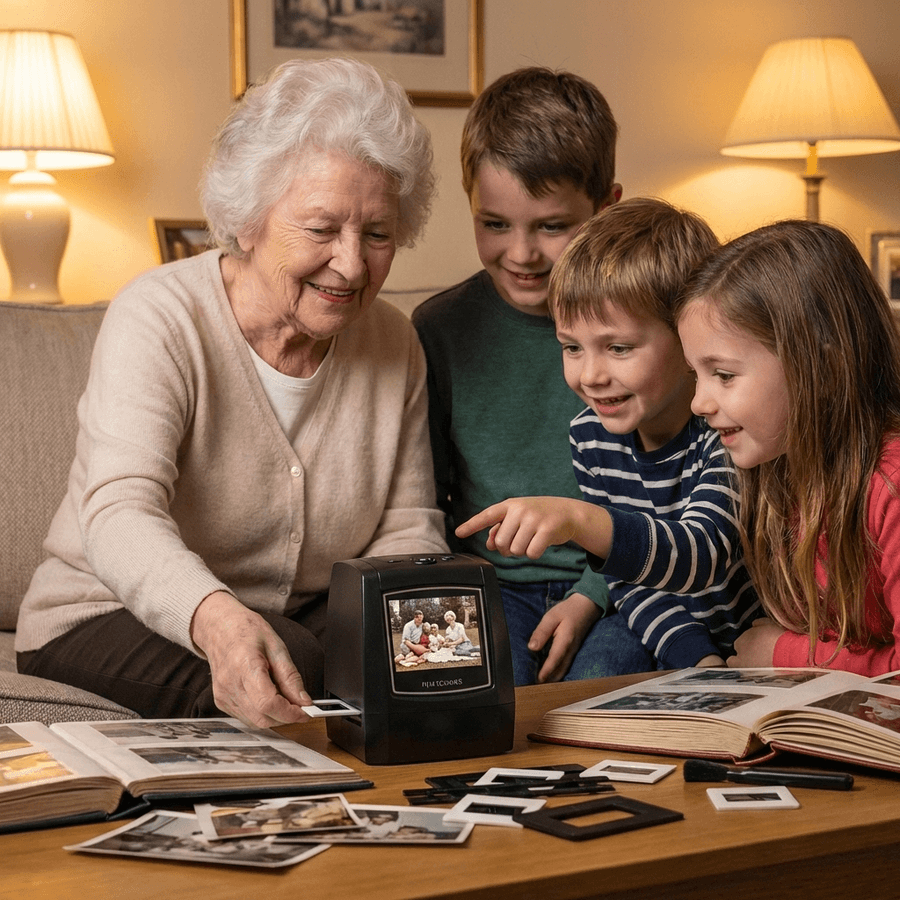
“My grandkids can finally see what their great-grandparents looked like. I scanned over 300 slides in a single day, and the photos I thought were lost to fading came back with all their color. The whole family has copies now.”
Margaret T., verified buyer, digitized 300 slides in one day
I had been meaning to go through our old slides for years, but I always assumed it would be difficult. This scanner proved me wrong. Within minutes I was revisiting family holidays, birthdays, and everyday moments I hadn't seen in decades. I only wish I'd done it sooner.
Jim M.
I scanned over 300 slides in a single day. The photos I thought were too faded came back beautifully. My grandkids can finally see what their great-grandparents looked like.
Margaret T.
I almost paid thousands to a mail-in service. This paid for itself after 50 negatives and I didn't have to risk my originals in the mail. Exactly as simple as advertised.
Robert K.
These slides had been sitting in storage for decades. Within minutes I was looking at family vacations and holidays that had been forgotten over time. Now every memory is preserved, backed up, and ready to share with my children and grandchildren.
Sarah M.
No computer needed was the key for me. I'm not good with technology but this I could figure out in 5 minutes. I finally preserved the photos of my kids.
James L.
It was easy to set up, intuitive to use, and delivered far better image quality than I expected. Those memories are safely digitized now and can be shared with future generations. One of the most meaningful purchases I've made.
Karen W.
I never realized how much these old slides were fading until I compared them with the scanned versions. Watching forgotten family portraits come back into focus was incredibly rewarding.
David R.
The setup was straightforward, the scans were surprisingly clear, and every image brought back memories I hadn't thought about in years. I've already digitized hundreds of slides and shared them with my family.
Jennifer L.
Every scan felt like opening another chapter of our family's history. Incredibly easy to use, and rediscovering those forgotten moments has been an absolute joy.
Edward N.
Comparison
How does the MemoryVault Box compare
Mail-in services charge per photo and take your originals. Flatbed scanners take your weekends.
| What matters | MemoryVault Box | Mail-in services | Flatbed scanners |
|---|---|---|---|
| See results instantly | Yes | No | No |
| No computer needed | Yes | Yes | No |
| Originals stay at home | Yes | No | Yes |
| One-time cost | Yes | No | Yes |
| No technical skills | Yes | Yes | No |
| Restores faded color | Yes | Yes | No |
| Scan at your own pace | Yes | No | Yes |
FAQ
Frequently asked questions
Clear answers about scanning film slides, storage, compatibility, and photo transfer.
No. The MemoryVault Box works on its own, with a built-in 2.4 inch screen. You see every scanned photo immediately. If you later want the files on a computer, the included USB cable transfers them to any PC or Mac.
Get yours
Choose your MemoryVault Box
Three kits, free US tracked shipping, and a 90-day money back guarantee on every order.
4.9/5 · 3,826 reviews
The MemoryVault Box
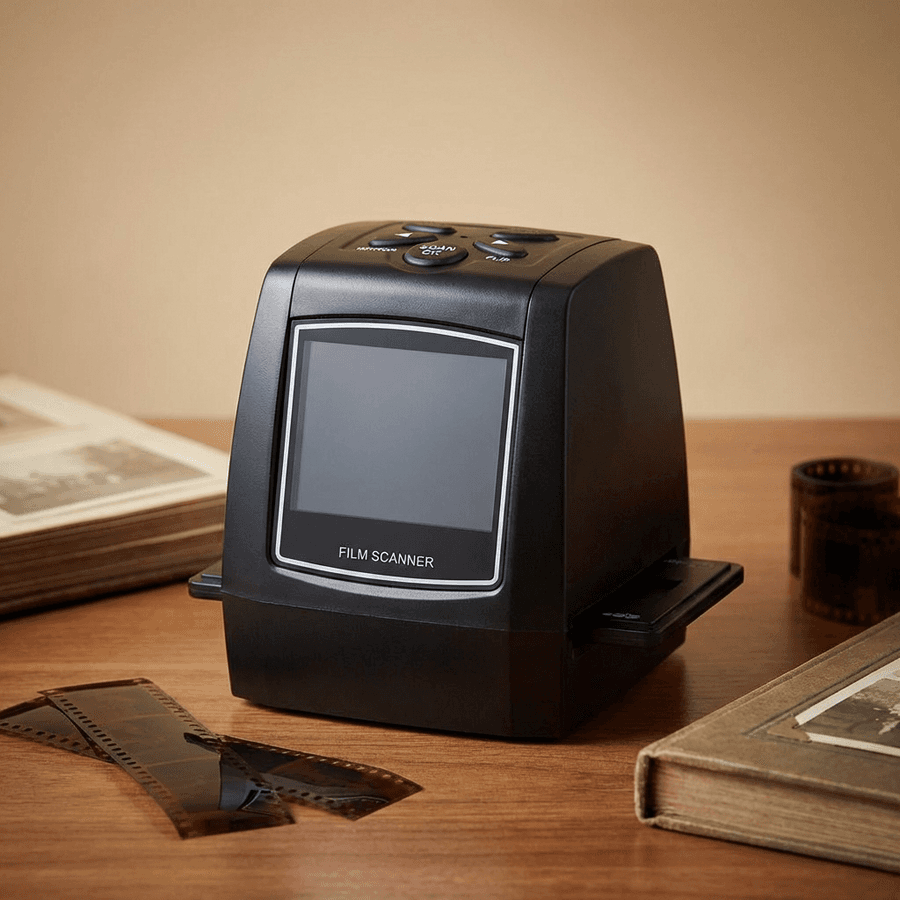
A 35mm film and slide scanner with its own screen. Insert a negative, press scan, and the photo appears in 3 seconds, saved to an SD card. No computer, no software, no mailing your originals away.
- Film support
- LCD preview
- One touch
- Multi language
- Portable design
- Auto optimization









90 days to fall for the results
Scan your first shoebox. If the photos do not move you, we refund the order. No questions asked.
- Worldwide shipping
- Guaranteed quality
- Fast shipping
- Secure order
Common questions
Do I need a computer to use it?
No. The MemoryVault Box works on its own, with a built-in 2.4 inch screen. You see every scanned photo immediately. If you later want the files on a computer, the included USB cable transfers them to any PC or Mac.
How long does one photo take?
About 3 seconds. The image appears on the screen and saves to the SD card automatically. Most people scan 50 to 100 slides in an hour, usually at the kitchen table.
Will it work with very old or faded film?
Yes. Backlight compensation and automatic color correction are designed for aged film. Slides from the 1970s and 80s that look dark or yellowed usually come back with their color, which is often the most surprising part.
What if it does not work for me?
You have 90 days. If you are not satisfied with the results, contact us and we refund the order. No return conditions to argue about.