
Blog · April 16, 2026
How to back up your family photo archive
The 3-2-1 rule applied to scanned family photos: three copies, two kinds of storage, one offsite.
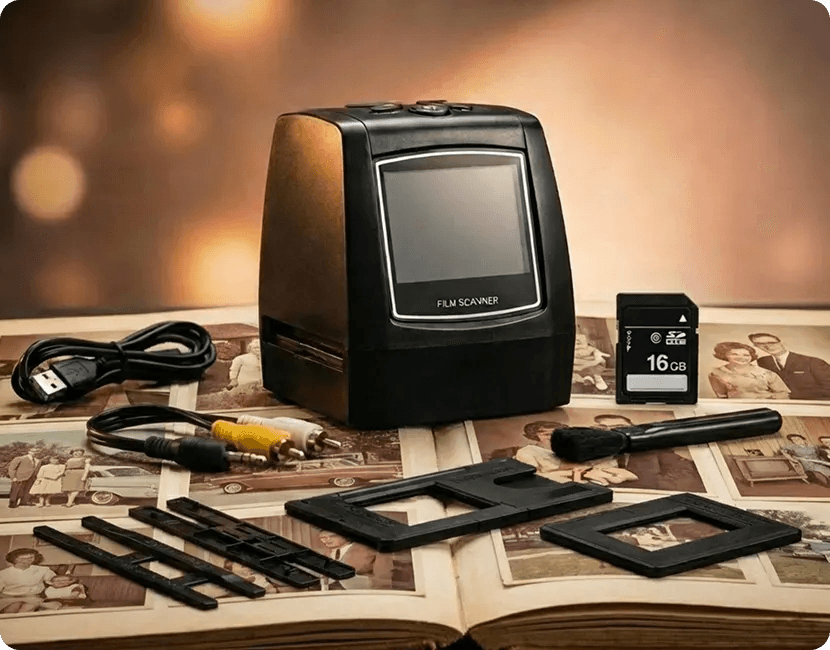
You scanned the archive to stop it from being lost. One copy on one SD card has not achieved that yet.
The 3-2-1 rule
- 3 copies of everything
- on 2 different kinds of storage
- with 1 copy somewhere else than your house
For a family archive that translates to: the working copy on a computer, a second copy on an external drive or USB stick, and a third in a cloud service or at a sibling's house.
The cheapest good setup
A 10 to 20 dollar USB stick per sibling, refreshed at holidays, plus one free-tier cloud album. The family distribution is itself the offsite backup, and every household independently owning the archive is fitting for what it is.
What about the SD card
The card in the scanner is a workspace, not a backup. Empty it to the computer every few sessions during the project. Cards are reliable; they are still the only copy until you copy them.
File formats and the future
Plain JPEGs in plain folders are the most future-proof choice available: every device made in 30 years has opened them, and nothing suggests that stops. Avoid locking the archive inside a single app's library format.
Check on it yearly
Once a year, open a random folder on each copy. Five minutes of checking beats discovering a dead drive a decade too late. Put it next to changing the smoke alarm batteries.
Ready to scan your own archive
The MemoryVault Box digitizes 35mm negatives and slides in 3 seconds per photo, no computer needed, with a 90-day money back guarantee.
Get the Box, from $149.99