
Blog · August 7, 2026
Negatives vs slides: what is the difference
Both are 35mm film, but they were made for different purposes. How to tell them apart and what it means for scanning.
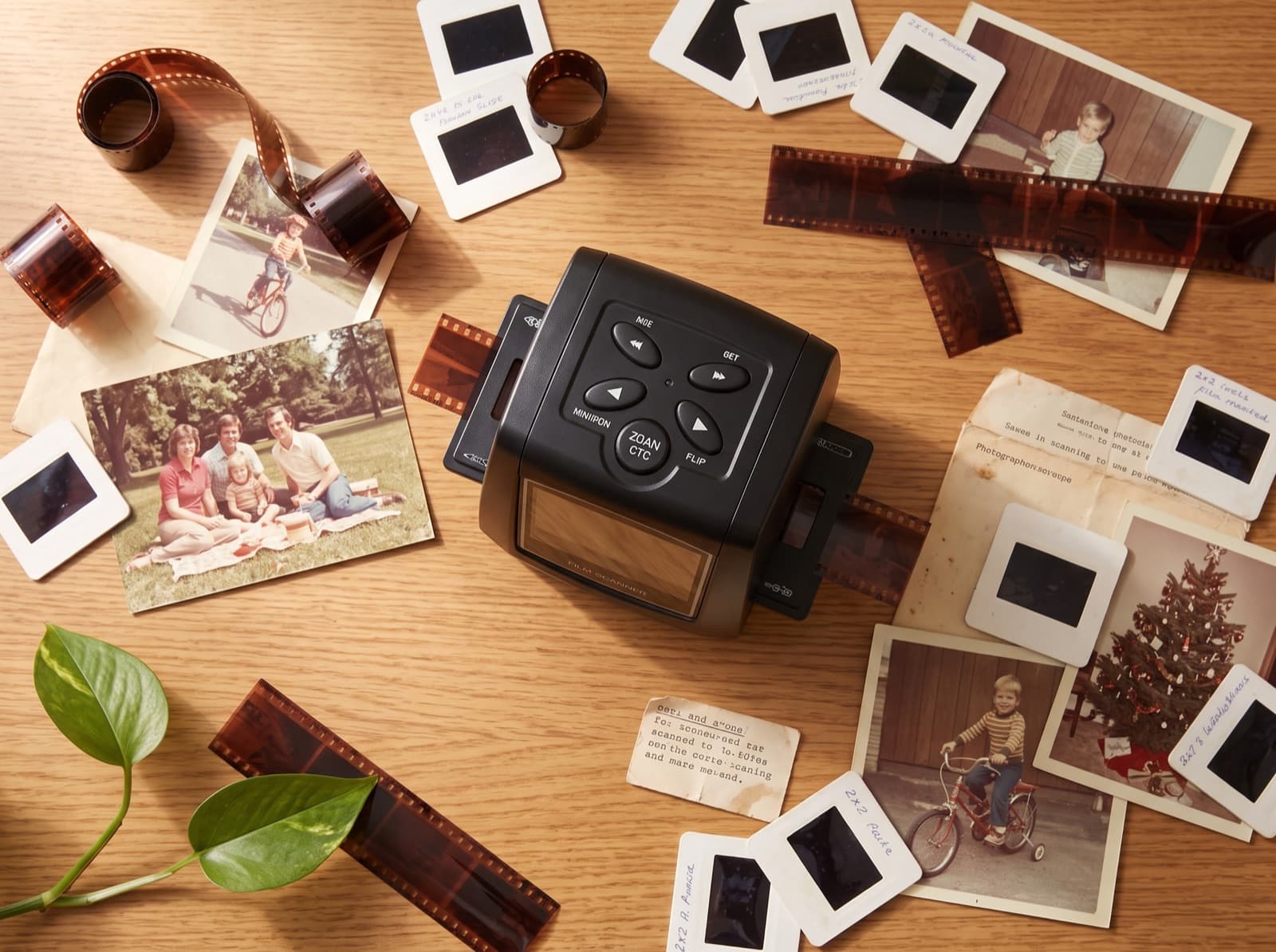
If you inherited a shoebox of film, it probably holds both negatives and slides. They look different, they were used differently, and knowing which is which makes scanning easier.
Negatives
Negatives are the orange-brown strips, usually cut into lengths of 4 to 6 frames. The colors are inverted: dark areas are light, and everything sits under an orange mask. They were the intermediate step for making prints at the photo lab.
Slides
Slides are single frames mounted in cardboard or plastic squares, usually 5 by 5 cm. Hold one up to the light and you see the actual photo in correct colors. They were made for projection at family evenings, which is why so many survive in carousel trays.
Which scans better
Both scan well. Slides are easier to handle one by one and show you immediately what the photo is. Negatives are faster in bulk because a strip of 6 frames feeds through a holder in one pass.
A dual-format scanner takes both: the MemoryVault Box ships with one holder for negative strips and one for mounted slides, and converts the negative's inverted colors automatically.
One practical tip
Scan slides mount and all. Removing film from its mount risks fingerprints and scratches and gains you nothing.
Ready to scan your own archive
The MemoryVault Box digitizes 35mm negatives and slides in 3 seconds per photo, no computer needed, with a 90-day money back guarantee.
Get the Box, from $149.99