
Blog · May 27, 2026
Choosing an SD card for your film scanner
Capacity, class, and compatibility: the 3-minute guide to the right card for photo scanning.
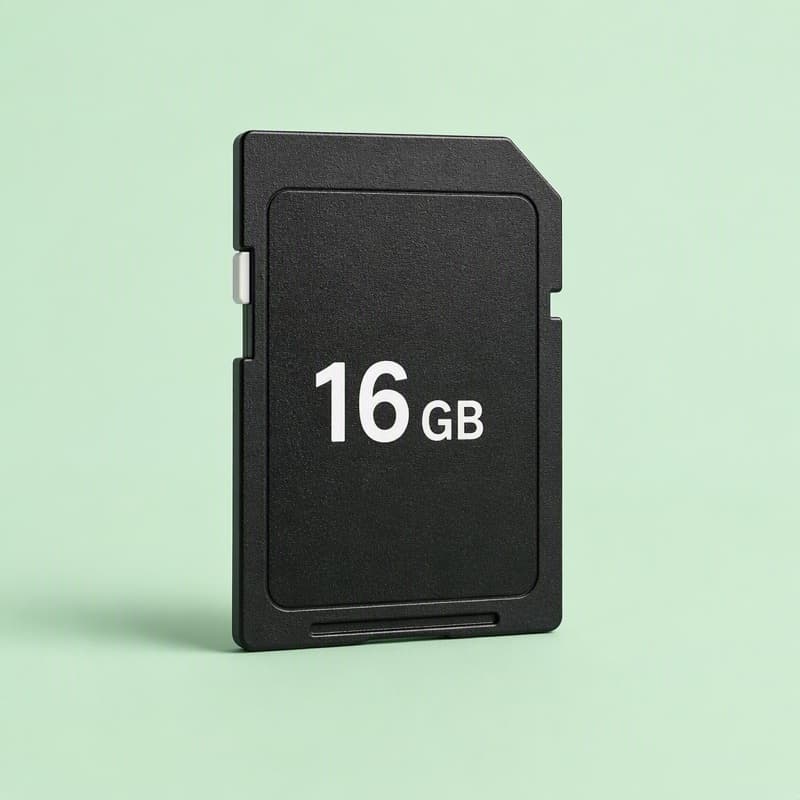
The SD card is where your entire scanned archive lives during the project, so it deserves three minutes of thought.
Capacity
At 2 to 3MB per 5MP scan:
- 8GB holds about 2,500 scans
- 16GB holds about 5,000 scans
- 32GB holds about 10,000 scans
A 16GB card covers the typical family collection with room to spare. Note that many standalone scanners, including the MemoryVault Box, support cards up to 32GB in the SDHC format; larger SDXC cards are often not recognized, so bigger is not automatically better.
Speed class
Scanning writes one small file every few seconds, which is a gentle workload. Any Class 10 card is more than sufficient; there is no benefit to paying for high-end video-rated cards.
Full-size vs micro
Scanners take full-size SD cards. A micro SD in an adapter works, and has one advantage: the micro card can move straight into phones and tablets that accept them.
Two habits worth having
Format the card in the scanner itself before starting, which prevents file system quirks. And empty the card to a computer or cloud backup every few sessions rather than letting the whole project accumulate on one card: cards rarely fail, but rarely is a bad bet for the only copy of 4,000 family photos.
Ready to scan your own archive
The MemoryVault Box digitizes 35mm negatives and slides in 3 seconds per photo, no computer needed, with a 90-day money back guarantee.
Get the Box, from $149.99