
Blog · July 30, 2026
How to clean old slides and negatives before scanning
Dust is the number one enemy of a clean scan. The safe way to remove 40 years of it without damaging the film.
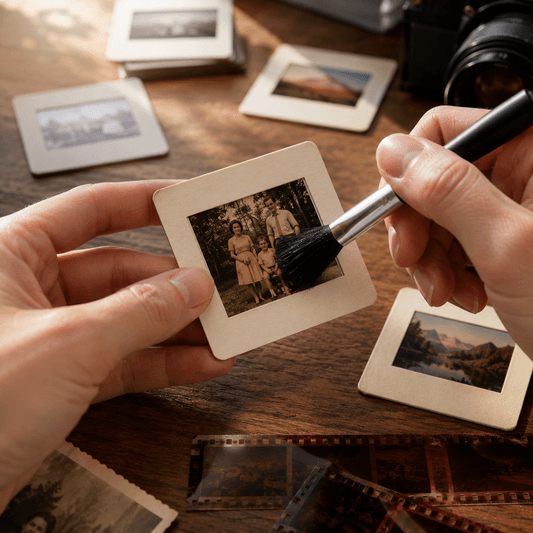
Every speck of dust on a slide becomes a white dot on your scan. Two minutes of cleaning per batch saves hours of retouching later.
What is safe
- A soft antistatic brush, the kind included with most scanner kits
- A hand air blower, the rubber bulb type
- Microfiber cloth for the mounts only, not the film surface
What is not safe
- Household glass cleaner or alcohol on color film
- Paper towels and tissues, which scratch
- Canned air held too close, which can spit propellant
- Water, unless you know the film type and accept the risk
The routine
Work over a clean table, not over the storage box. Blow first, then brush in one direction with light strokes. Hold slides by the mount, negatives by the edges. For film with fingerprints or mold, scan it as it is: a marked scan you own today beats a ruined original.
When film is stuck together
Negatives stored in humid places sometimes bond to their paper sleeves or to each other. Do not pull. Scan what is accessible and set the stuck ones aside; a professional conservator can often separate them, and forcing it destroys the emulsion.
Clean batch by batch as you scan rather than cleaning the whole collection up front. The dust returns within weeks, the scans are forever.
Ready to scan your own archive
The MemoryVault Box digitizes 35mm negatives and slides in 3 seconds per photo, no computer needed, with a 90-day money back guarantee.
Get the Box, from $149.99