
Blog · July 22, 2026
How to organize scanned family photos
A simple folder and naming system that keeps thousands of scans findable ten years from now.
Scanning is half the project. The other half is making sure your family can actually find grandma's wedding in a folder of 3,000 files.
The folder structure that works
Keep it flat and chronological:
- 1960s
- 1970s-holidays
- 1978-summer-lake-house
- 1980s-unknown
Decade folders first, then split out events as you recognize them. Resist deep nesting: three levels is the maximum anyone browses.
Naming files
Scanners name files by number, and renaming thousands of files by hand is not realistic. Rename only the folders, and rename individual files only for the 50 best photos in the collection. Those are the ones people search for.
The unknown box
Every collection has faces nobody can place. Put those scans in one folder called unknown and share it with the oldest relatives you have. This is the highest-value step in the whole project: every year that passes, fewer people can name those faces.
Dates inside the photos
If a slide mount has a processing date stamped on it, that date is usually within months of when the photo was taken. Add it to the folder name. Kodachrome mounts from the 1960s and 70s almost always carry one.
Keep the originals organized too
Put a paper note in each physical box: scanned, date, and where the files live. Future you will be grateful.
Ready to scan your own archive
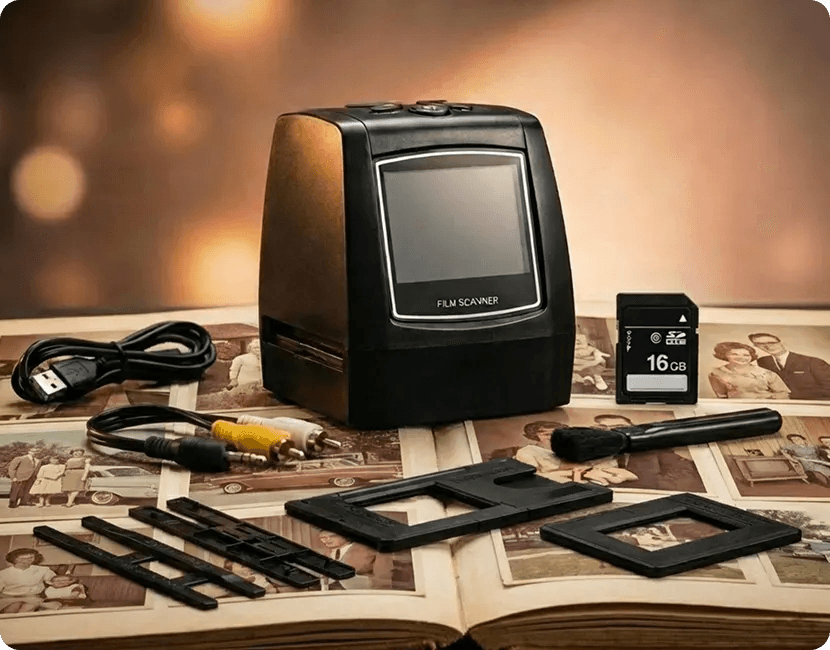
The MemoryVault Box digitizes 35mm negatives and slides in 3 seconds per photo, no computer needed, with a 90-day money back guarantee.
Get the Box, from $149.99